One sketchbook · One-time purchase
BuyThe thoughts that cross your mind, laid out on a time of your own.
Pick a topic and a period, and jot down keywords as they come. Place them on the moments you choose, and look back once time has passed.
abbsBoardMonthPageLooking back on 2026
Keyword cards4/4Tokyo tripGurye tripDaejeon trip5th anniversary+ Add keyword
FebMarAprMayJunTodayTokyo tripFeb 28 – Mar 3Gurye tripMay 10 – 125th anniversaryJun 15
Your own sketchbook, built like this
Pick a topic and a period
Decide what to sort out and set its period.
Gather thoughts as keywords
Write down what comes to mind as keywords.
Place them in time
Drag a keyword onto a date. A thought without a date can stay as it is.Pick a keyword, then tap where it goes. A thought without a date can stay as it is.
Grow your notes and ideas
Add a period, notes and records to sort your thoughts out.
It doesn’t end with one sketchbook.
From a record of the year behind you to the plans you want to reach. Make a sketchbook of your own for every topic.
Looking back
Looking back on 2026
Look back on the year and sort your memories.
A six-month plan
Weight-loss project
Record six months of change.
Up to a target date
Changing jobs
Sort out the preparation up to your target date.
From planning to memories
Trip plan
Keep everything from planning to memories in one place.
Sketchbooks like these
Sketchbook pricing
Launch gift
One free sketchbook for 6 months from first creation
Sign up and get it
One at a time per account · No automatic payment
FAQ
Can my child, our pet and our trips share one sketchbook?
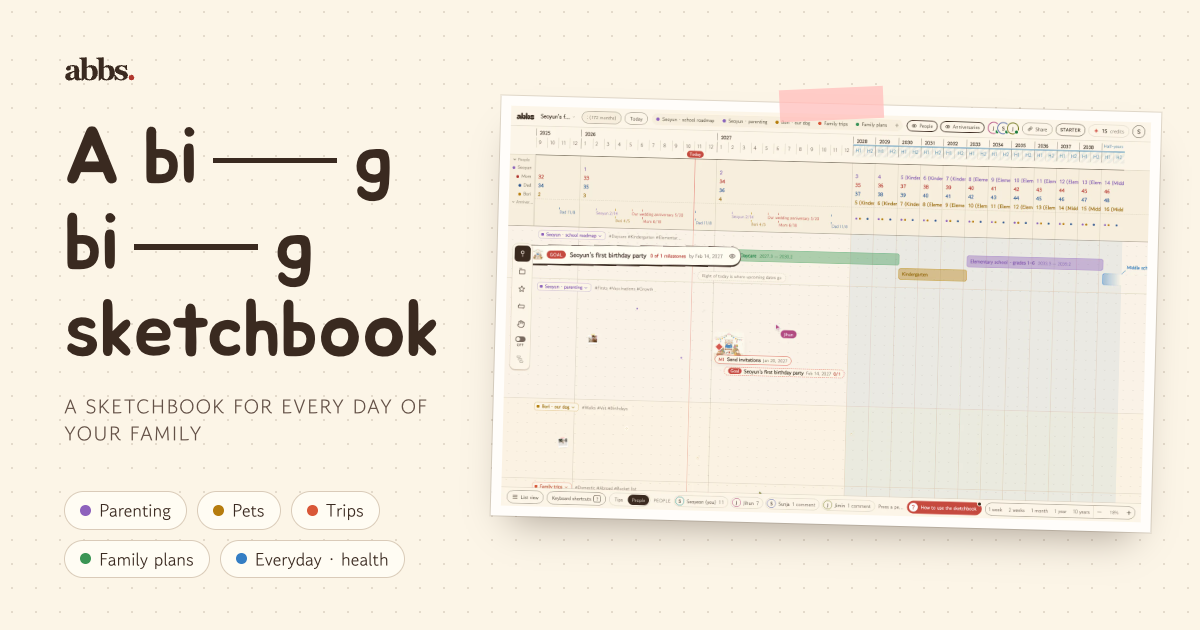
Yes. Put parenting, pets, trips and family plans in lanes of their own: they share one timeline in their lanes’ colors, and one section can bundle dots from several lanes.
Can I write it with my husband or friends?
Owners with a pass that supports collaboration can invite others by email to edit, comment, or view. Guests do not need their own paid pass.
What happens when a planned dot’s date passes?
It stays dashed. From that day on, mark it “Done” or add a photo and it turns solid. A planned dot with an exact date gets one email a few days before its day.
Can I hand the sketchbook down to my child?
Yes. Hand over the whole sketchbook, or just your child’s lane, to their own account. The one handing it over sees a 6-digit code on screen for 24 hours; the transfer completes once the recipient opens the link in the email and enters that code. Afterwards, parents can stay close as commenters or viewers.
Are photos of my child or pet used to train AI?
No. Your photos and notes are used only to write your drafts, never to train AI. You can delete your account and data anytime.
What does a basic sketchbook include?
Each free, gift or newly purchased basic sketchbook includes 2000 dots, a 10-year timeline range and 200 MB of storage. Storage is pooled across your account. You can create up to 24 manual categories. History keeps up to 20 versions per dot from the last 24 hours. At the dot cap, only adding new dots stops; existing dots remain editable, viewable and exportable. Link and public viewing are included. Larger rights from earlier purchased passes are preserved, and gift passes retain their separate term. Each photo can be up to 10 MiB; each general file can be up to 20 MiB.